Change Password
Overview
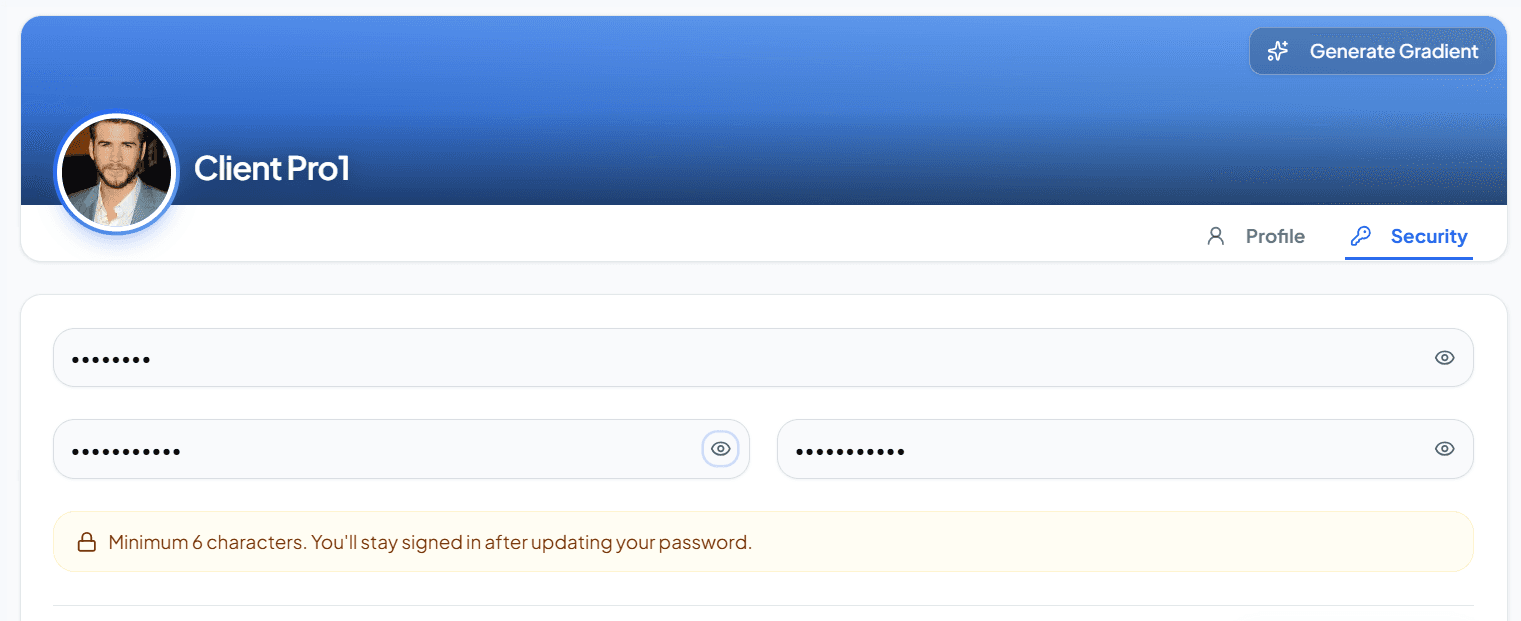
Change the authenticated client's password by confirming the current password and submitting a new one.
This endpoint is tenant-scoped and requires a valid Access Token. Use it from account security settings when the client wants to rotate credentials without going through a full password-reset email flow.
When to use this endpoint?
Use Change Password when:
- The client wants to update their password from an account settings screen.
- You need to verify ownership by requiring the current password before accepting a new one.
- Your security policy encourages periodic password rotation.
- You want to update credentials without logging the client out first (unless your app policy requires re-login after success).
{baseUrl}/api/{apiVersion}/client/profile/change-password- Authentication
- Required (Bearer token)
- Tenant-scoped
- Yes (tenant DB - requires x-client-id)
Request Headers
Request Payload
{ "currentPassword": "test@123", "newPassword": "newStrong@456"}Success Response (HTTP 200 OK)
When the password change succeeds, the API confirms the update. Ask the client to sign in again if your security policy requires it.
{ "success": true, "message": "Password changed successfully", "data": null, "error": null}Error Responses
HTTP 400 Bad Request - Error - Wrong current password (400)
{ "success": false, "message": "Current password is incorrect", "data": null, "error": "Current password is incorrect"}Status Codes
Workflow
Follow this flow to verify the current password and update credentials safely.
- 1
Confirm the current password
Collect the client's existing password to verify ownership of the account.
- 2
Submit the password change
Send currentPassword and newPassword to the Change Password endpoint with tenant headers and a valid Access Token.
json{ "currentPassword": "<current_password>", "newPassword": "<new_password>"} - 3
Password updated
On success, the API confirms the password change. Ask the client to sign in again if your security policy requires it.
Common Errors
Password changes fail when the current password is wrong, fields are missing, or authentication is invalid.
HTTP 400 Bad Request
{ "success": false, "message": "Current password is incorrect", "data": null, "error": "Current password is incorrect"}You’re ready to continue
Best Practices
- Always require
currentPasswordconfirmation before accepting a new password. - Enforce a strong
newPasswordpolicy on the client (length, complexity) before calling the API. - Never log or store plaintext passwords in application logs or analytics.
- Show a clear error when the current password is incorrect (HTTP 400) so the user can retry safely.
- Consider forcing re-login after a successful change, especially on shared devices.