Update Profile
Overview
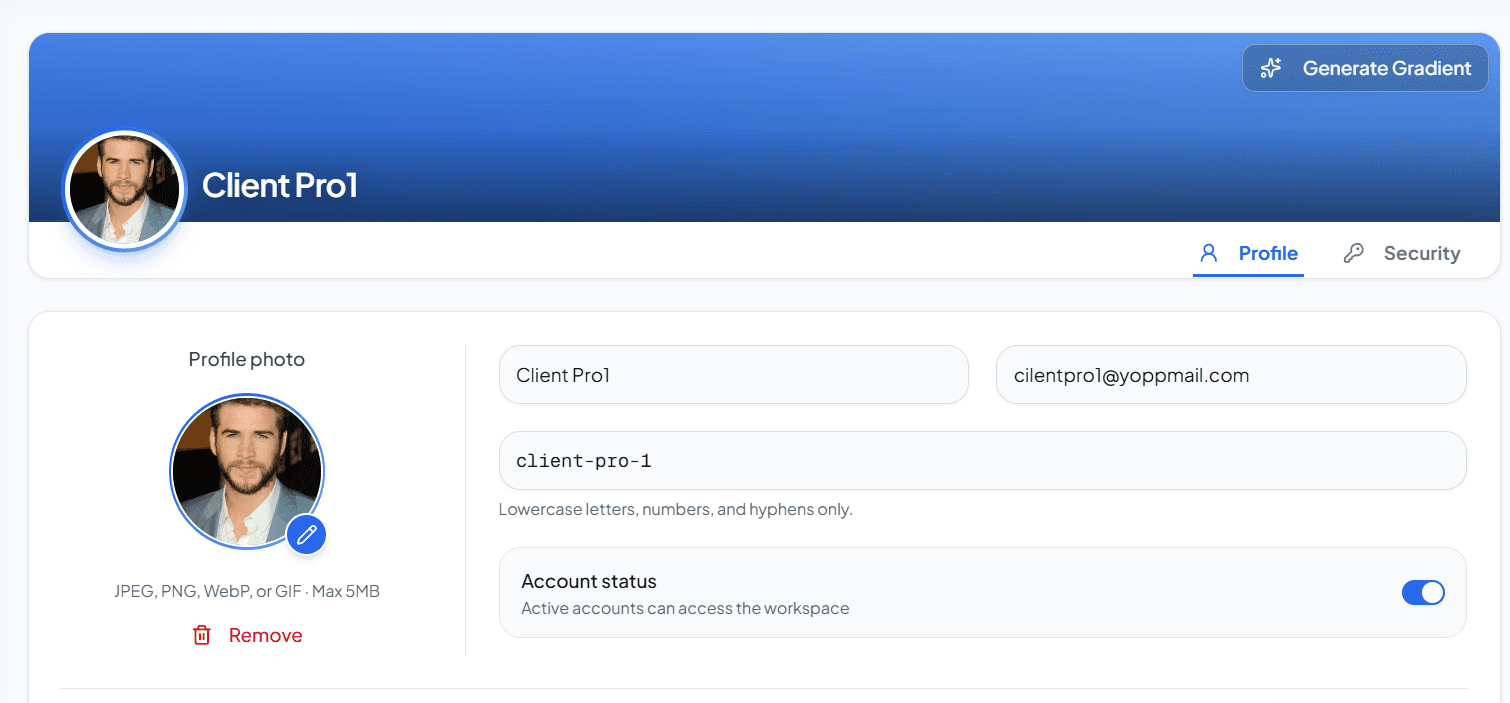
Update the authenticated client's profile fields such as name, email, slug, active status, profile image, cover gradient, and metadata in the tenant database.
Send only the fields you want to change. profileImage and coverGradient are optional and may be set to null to clear them. On success, the API returns the updated profile record so you can refresh your UI immediately.
When to use this endpoint?
Use Update Profile when:
- The client edits their display name, email, slug, or active status.
- You need to set, replace, or clear the profile image (
profileImagecan be a URL ornull). - You need to set, replace, or clear the cover gradient (
coverGradientcan be a gradient key ornull). - An account settings form needs to persist profile changes or custom metadata.
- You want to update profile details without changing the password (use Change Password for that).
PATCH
{baseUrl}/api/{apiVersion}/client/profile- Authentication
- Required (Bearer token)
- Tenant-scoped
- Yes (tenant DB - requires x-client-id)
Request Headers
Request Payload
All fields below are optional for a partial update. Include only the properties you want to change. To clear the profile image or cover gradient, send null.
json
{ "name": "Acme Inc", "coverGradient": "brand-blue" "email": "clientpro1@yopmail.com", "isActive": true, "profileImage": "https://example.com/profile.jpg", "slug": "client-pro-1", "metadata": { "industry": "fintech" }}Success Response (HTTP 200 OK)
When the update succeeds, the API returns the updated client profile.
json
{ "success": true, "message": "Profile updated successfully", "data": { "_id": "699fe1377846dcfb775c645c", "name": "Acme Inc", "email": "clientpro1@yopmail.com", "slug": "client-pro-1", "isActive": true, "profileImage": "https://example.com/profile.jpg", "coverGradient": "brand-blue", "slug": "client-pro-1", "metadata": { "industry": "fintech" }, "createdAt": "2026-02-26T05:59:19.339Z", "updatedAt": "2026-02-26T05:59:20.031Z" }, "error": null}Error Responses
HTTP 409 Conflict - Error - Email taken (409)
json
{ "success": false, "message": "A client with this email already exists", "data": null, "error": "A client with this email already exists"}Status Codes
Common Errors
Profile updates fail when authentication is invalid or the new email conflicts with an existing client.
You’re ready to continue
After a successful update, refresh your UI with the returned profile or call Client → Get Profile to confirm the latest values.
Best Practices
- Send only the fields that changed - this endpoint supports partial updates.
- To clear
profileImageorcoverGradient, sendnullinstead of an empty string. - Validate email format and slug pattern on the client before submitting to avoid unnecessary 400 responses.
- Handle 409 Conflict clearly in the UI when the email is already taken.
- Always include
Content-Type: application/jsonwith the request body. - After updating, refresh local profile state from the success response or a follow-up Get Profile call.